Search for Recipes from the Blogs You Love

Not sure what to cook tonight? ChefTalk now lets you search across curated food blogs to find your next recipe, and every result takes you straight to the original blog. Browse the story behind the recipe, then import it into ChefTalk for hands-free, voice-guided cooking.
How It Works
Step 1: Open the Discover Tab
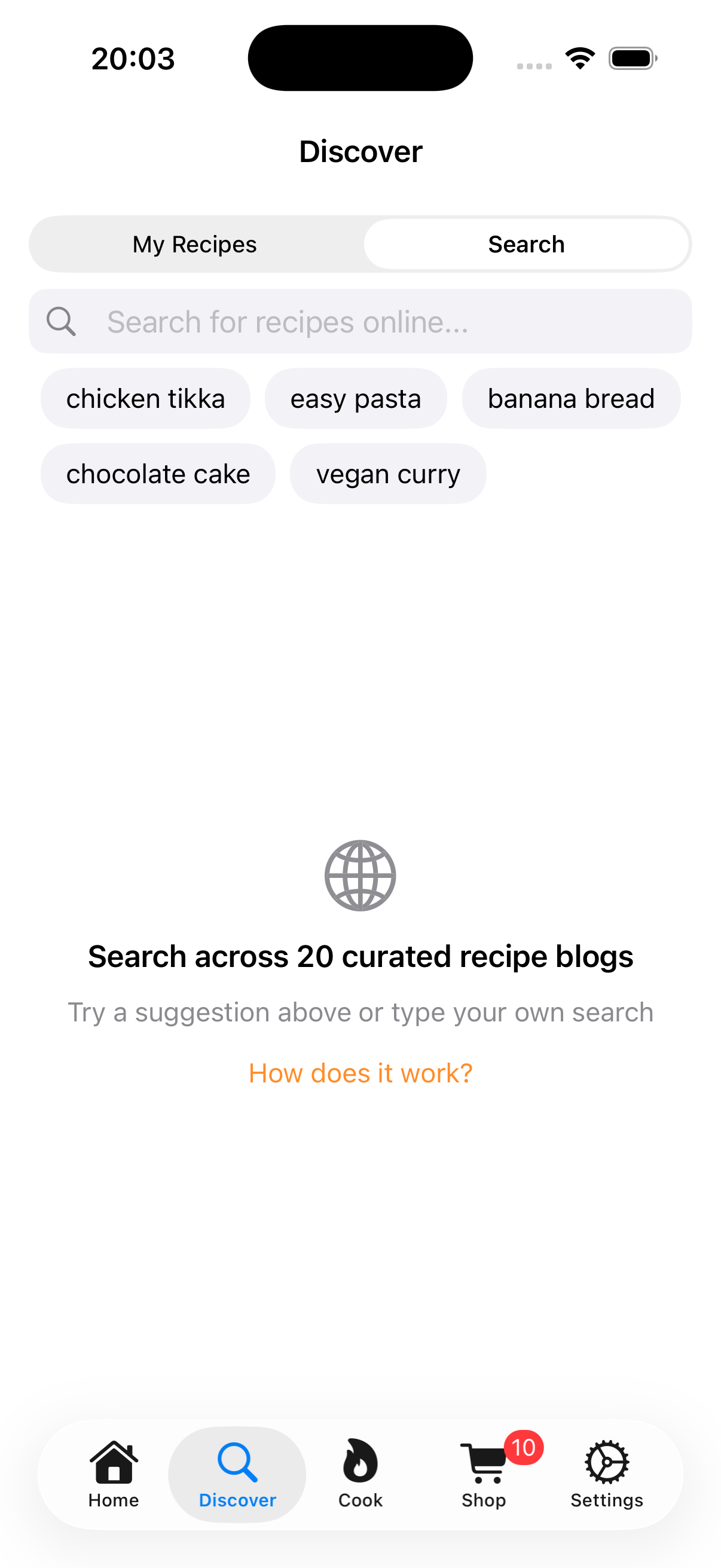
Tap the Discover tab and switch to Search. You'll see suggestion chips for popular searches like "chicken tikka," "banana bread," and "vegan curry" - or type whatever you're craving.
Step 2: Browse Results from Real Food Blogs
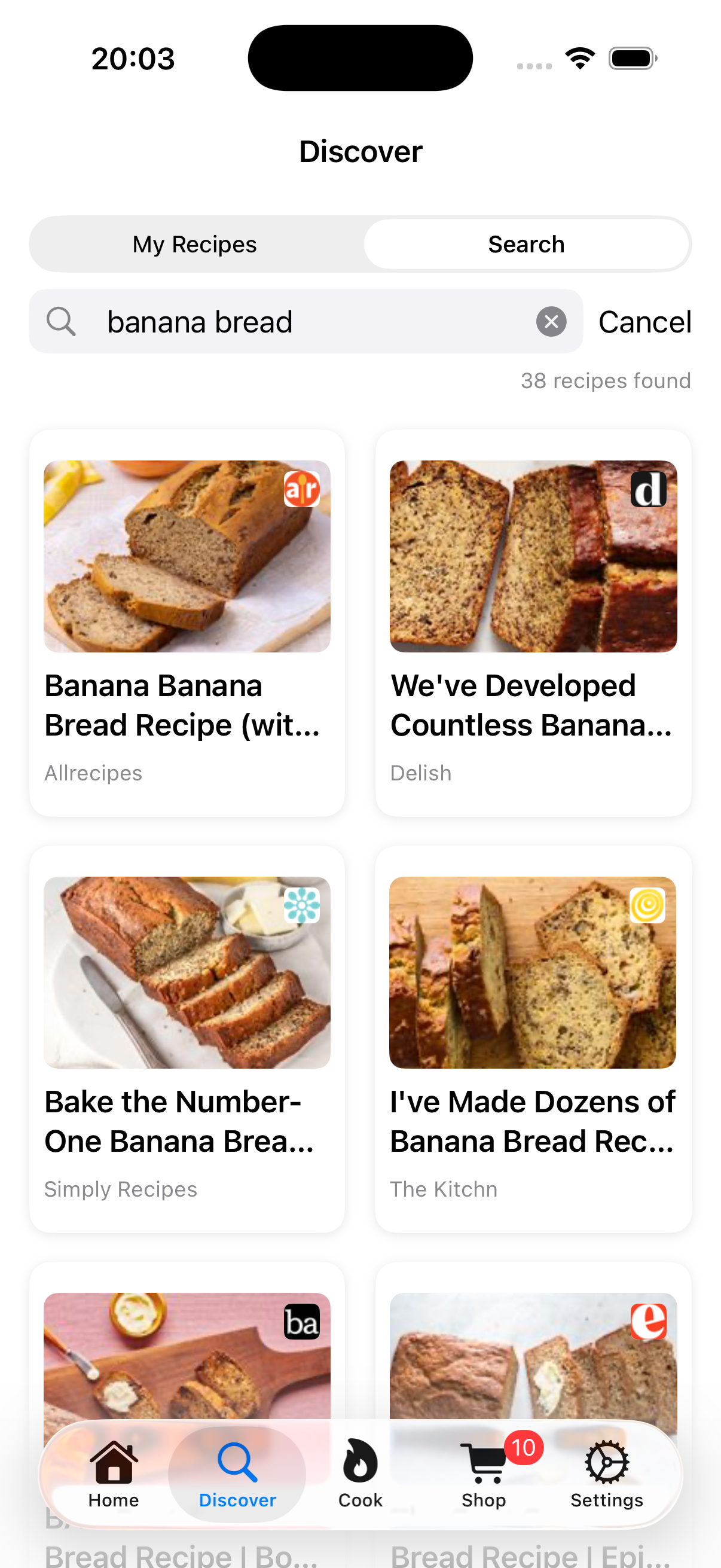
Results appear instantly from curated food blogs. Each recipe shows the dish photo, title, and the blog it comes from — so you always know the source.
Step 3: Visit the Blog and Import
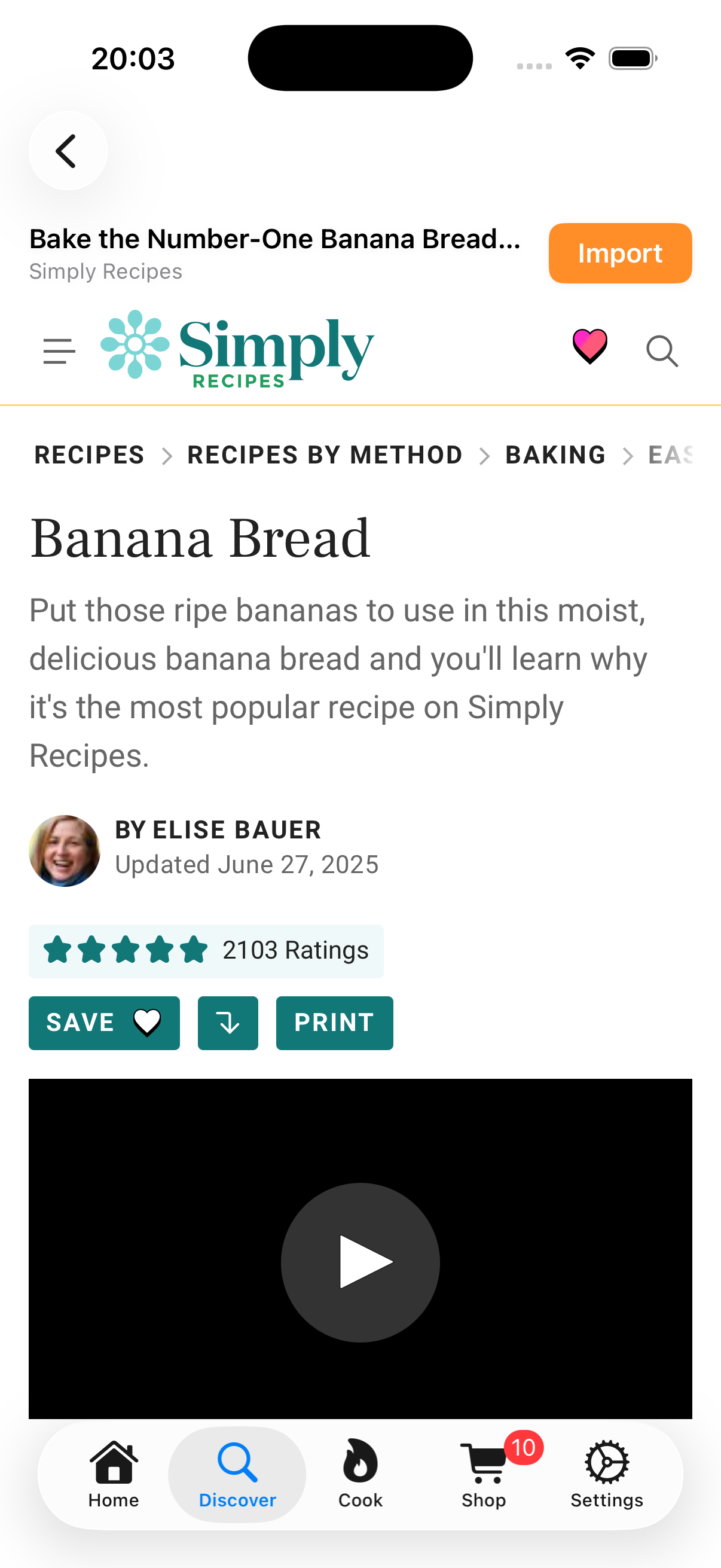
Tap any result and the original blog opens right inside the app. Read the recipe, check the reviews, explore the story behind the dish. When you're ready to cook, tap the Import button in the top right — and ChefTalk transforms it into a voice-guided cooking session.
Every Click Goes to the Creator
This matters to us. ChefTalk doesn't scrape, summarize, or replace blog content. Every search result links directly to the original recipe post. The food bloggers who spent hours developing, testing, and photographing these recipes deserve your visit, and we make sure they get it.
Search on the Web Too
Don't have the app yet? You can also search across our full collection of 60 curated food blogs at cheftalk.ai/recipe-search. Discover recipes, explore the blogs behind them, and suggest your favorites for inclusion.
Try It Now
Recipe Search is available in the current beta build. Open the Discover tab, search for what you're craving, and let the food bloggers inspire your next meal.
ChefTalk is currently in beta testing for iPhone and iPad. We're working with home cooks to refine features like recipe search and voice-guided cooking.