My Recipes, My Page: Your Cookbooks at One Address
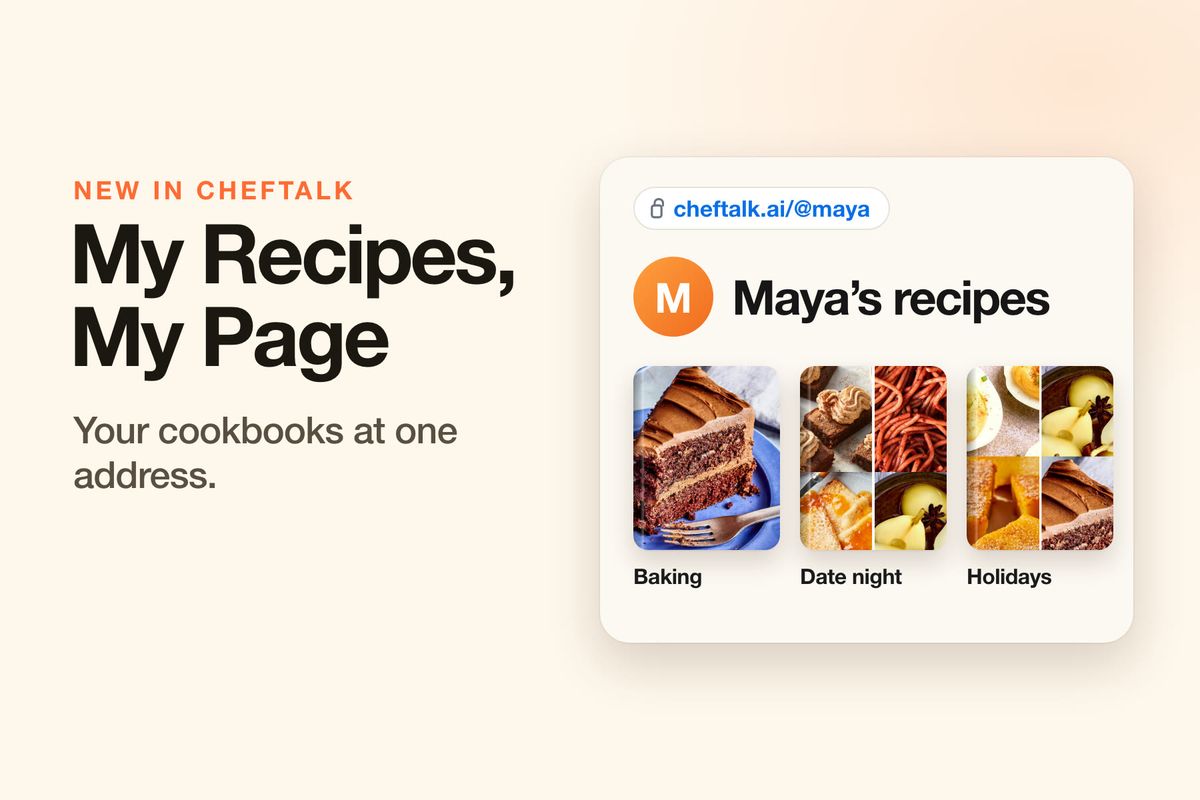
Your cousin wants "all your baking stuff." Your cooking club wants last month's menu. Your newsletter footer has room for one link, not twelve. Sending recipes one at a time works for one dish and one friend, and gets old fast after that.
ChefTalk now gives every cook a page of their own: one address, like cheftalk.ai/@maya, that shows the cookbooks and recipes you choose. Anyone with the link can browse it in a browser, no app needed.
One Link for Everything You Want to Share
Put it in your Instagram bio, at the bottom of your newsletter, or pinned in the family group chat. Think of it as a small recipe shelf on the web that keeps itself current. Pick a cookbook and every recipe in it shows up, including the ones you add next month. Rename the cookbook or give it a new cover, and your page follows.
That's the difference from sending a link. A shared link hands over a copy of a recipe as it is today. Your page keeps up with you.
Three Steps, and You See It First
Your page is off until you turn it on. Go to Settings, then Sharing, then My page, and flip the switch. Three short steps follow on one sheet.
First, the name on your page and your handle, the part after the @. ChefTalk checks the handle as you type and shows the full address underneath, so you know exactly what you're giving out. Handles are 3 to 20 lowercase letters, numbers or underscores, starting with a letter.
Then pick what shows. Tap the cookbooks and single recipes you want on the page. Nothing is ticked until you tick it.
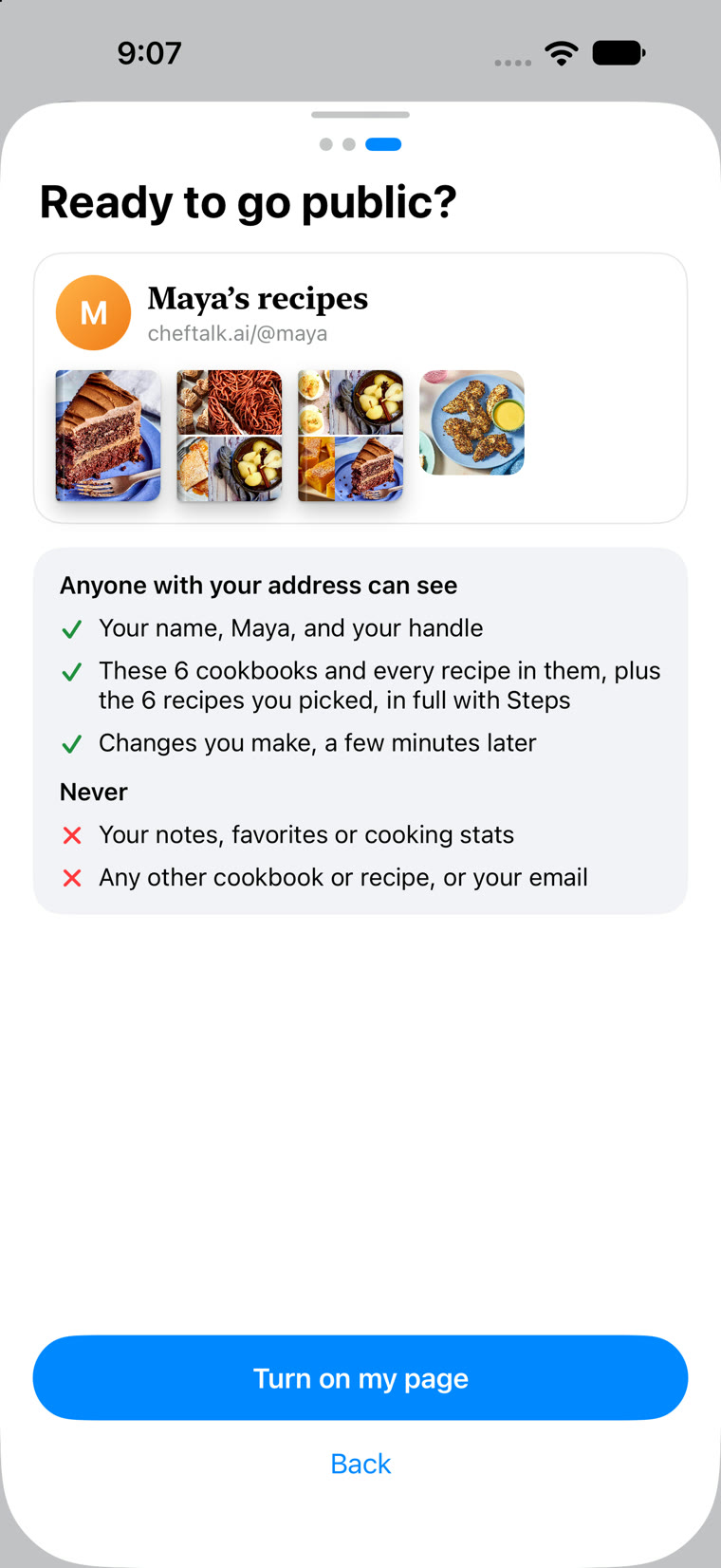
Last comes Ready to go public?, with a small preview of your page and a plain list of what visitors will see and what they never will. Tap Turn on my page and it's live.
Add Recipes Right Where They Are
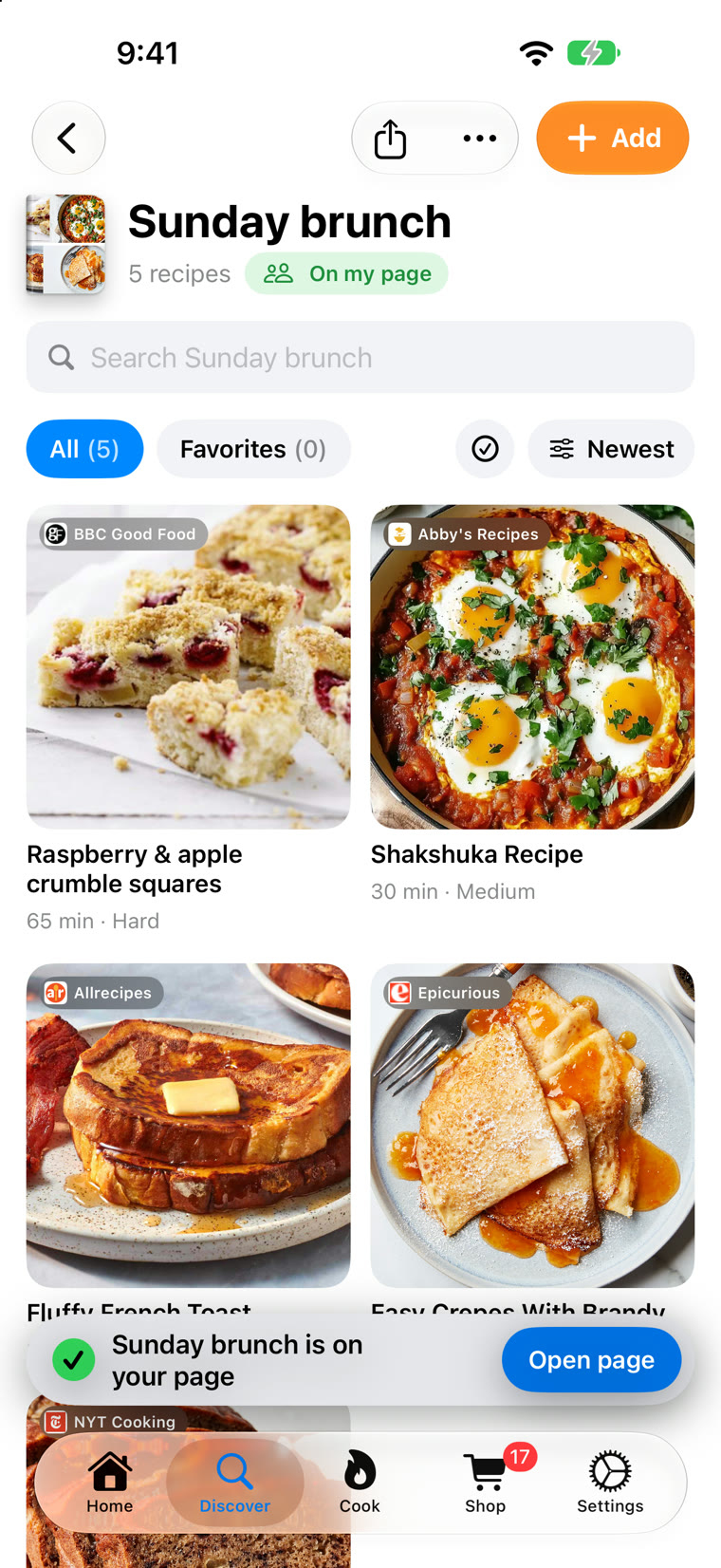
Once your page is live, changing it doesn't mean a trip back to Settings. On any recipe or cookbook, tap the Share button and choose Add to my page; the same option sits in the three dots menu. A note confirms it's on your page, with Open page if you want to see it the way visitors do. Taking something off is the same tap: Remove from my page.
A cookbook on your page wears a small green On my page tag, so you always know what's out there. And if your page isn't on yet, Add to my page opens the three steps with that cookbook already ticked.
What Your Visitors See
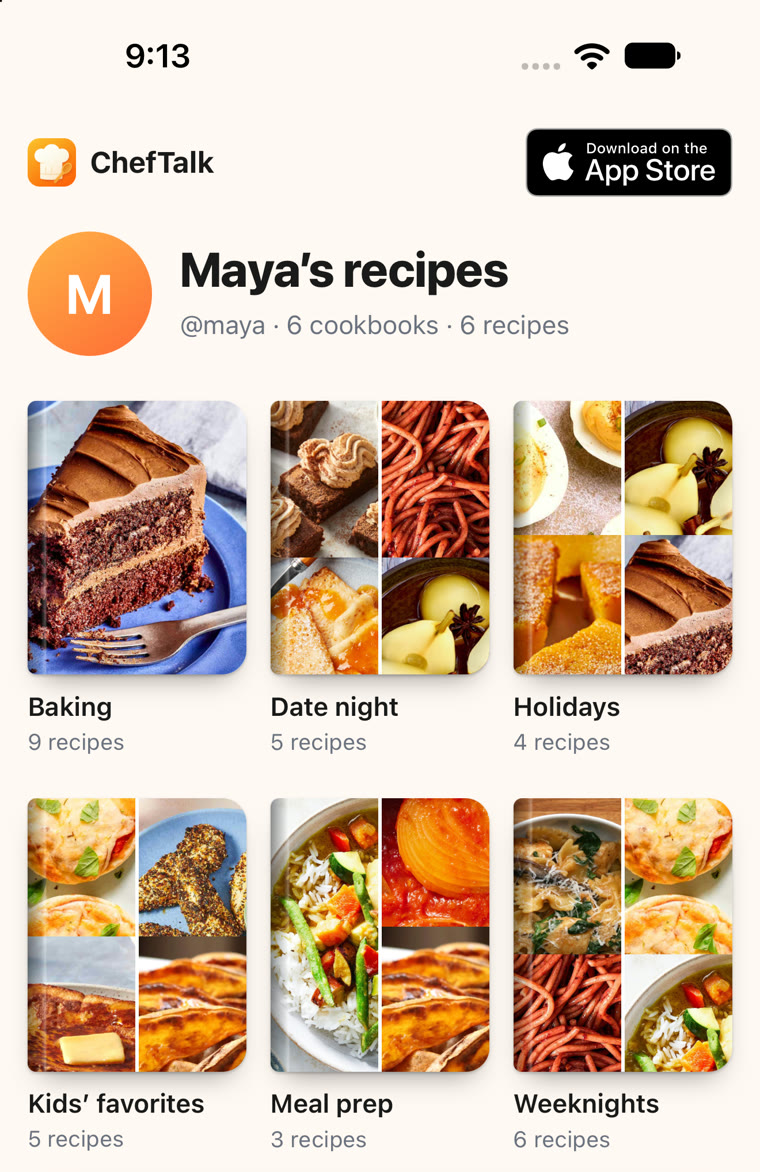
Your page opens in any browser, on a phone or a computer. At the top are your name and handle, then your cookbooks as a row of covers, then the single recipes you picked. Every recipe opens in full, with its ingredients, its steps, and a card naming the site it came from, with a link back to the original.
Friends who use ChefTalk can tap Open in ChefTalk to add a recipe, or a whole cookbook, to their own library. It's their copy: they can change it however they like, and yours stays exactly as it is. Friends without the app get a way to the App Store. On a computer, a QR code sends your page straight to their iPhone, ready for the kitchen.
You Decide What's Public
Only what you tick shows. Your notes, favorites, cooking stats and email never appear on your page, and neither does any cookbook or recipe you didn't pick. Search engines are told not to list your page, so people find it through the link you share, and anyone holding that link can read every recipe on it.
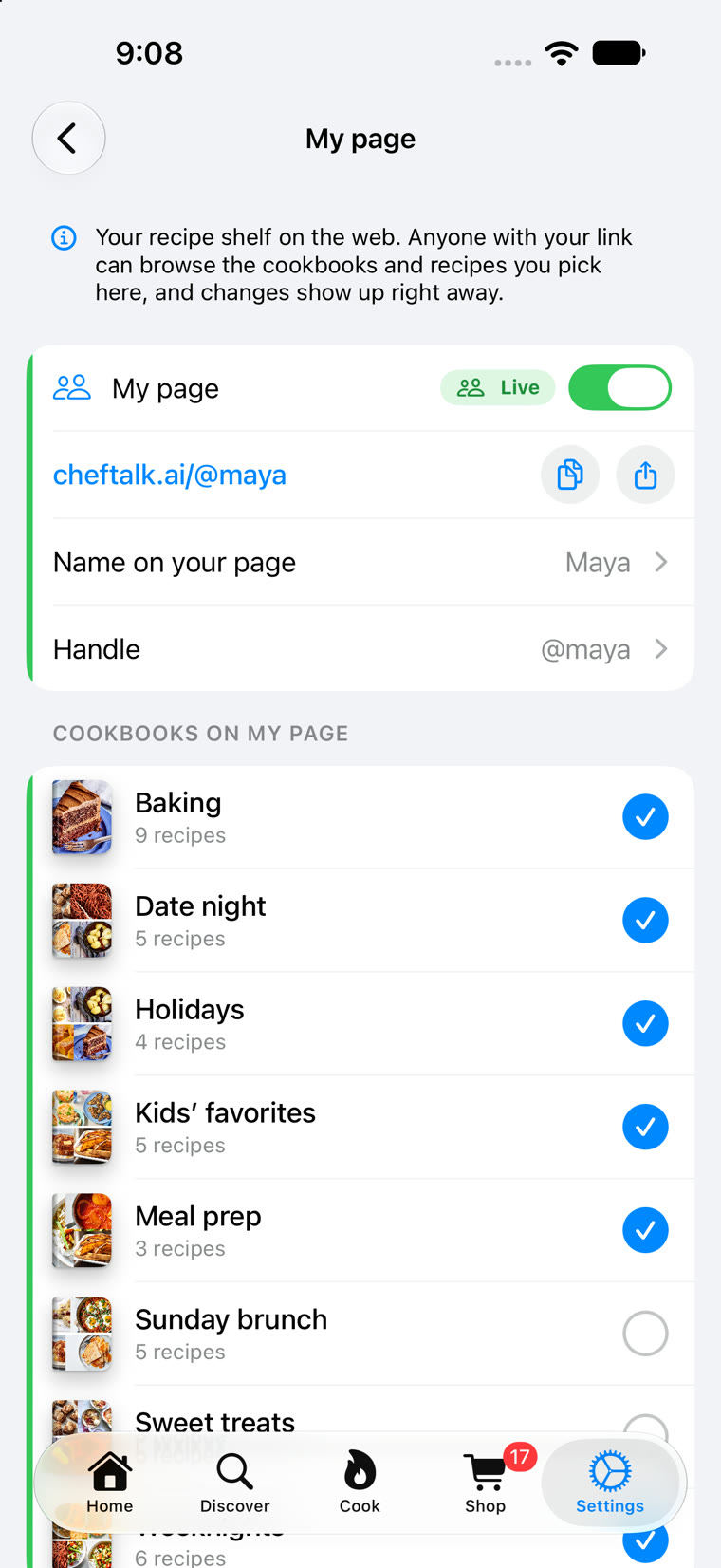
Everything lives on one screen: Settings, Sharing, My page. Copy your address, share it straight to an app, change your name or handle, and tick or untick what's on the page. A new handle means a new address, and the old one stops working, so ChefTalk warns you before you save and you can send people the new link.
Want a break? Flip the switch off and the whole page goes offline at once. Your handle and picks stay saved for when you turn it back on.
Try It Now
My page is free for every cook, on the free plan or a subscription, and visitors don't need anything at all. Update ChefTalk to version 1.2.0 and find it in Settings, under Sharing.
Which cookbook goes on your page first? Download ChefTalk on the App Store.
At ChefTalk, we're building a voice-first cooking companion that transforms any recipe into hands-free, step-by-step guidance. Learn more.